
The Science in Society website is an archive of scientific reports, journalism and audio visual material representing two decades of work by the Institute of Science in Society, the Independent Science Panel, I-SISart and theSparc. There are close to 2000 reports available on this site: some are previously published in print, others only electronically. The majority are available for the first time with extra illustrations and references; this site represents a body of work available nowhere else online or in print. Please search for documents by category, use the search function, or see a list of all documents in the sitemap. Hard copies of major reports are available here, with CD-roms and DVDs available here.
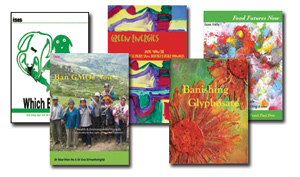
the Institute of Science in Society and the Independent Science Panel produced a number of significant reports on the topics of Energy policy, Sustainability, Biotechnology, and the Environment. These are all available in print form and electronically. Banishing Glyphosate | Ban GMOs Now | Death Camp Fukushima Chernobyl | The Case for A GM-Free Sustainable World | Which Energy? | Food Futures Now | Green Energies
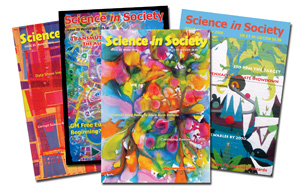
The influential in-house magazine of the Institute of Science in Society - "The only radical science magazine on earth". Science in Society (formerly I-SIS News) was published between 1999 and 2016, and was widely circulated to the public, politicians and policy makers worldwide. Reports from all 69 issues are available on this site - please examine the SiS index to see the contents of each issue. Back issues and electronic copies are still available in the SiS online store.
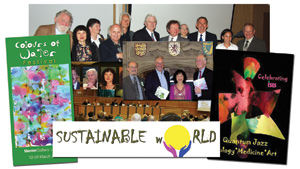
Aswell as producing scientific reports, the forementioned organisations hosted several high profile events, including in the British and European Parliaments. These were predominantly scientific, but also throwing art and music into the mix.
Highlights include the Colours of Water (2013), Quantum Jazz - Biology* Medicine* Art (2011), Green Energies Launch (2009), GM Free Europe (2007), Which Energy Launch (2006), Sustainable World Conference (2005), ISP Briefing at the European Parliament (2004) and ISP Launch (2003)